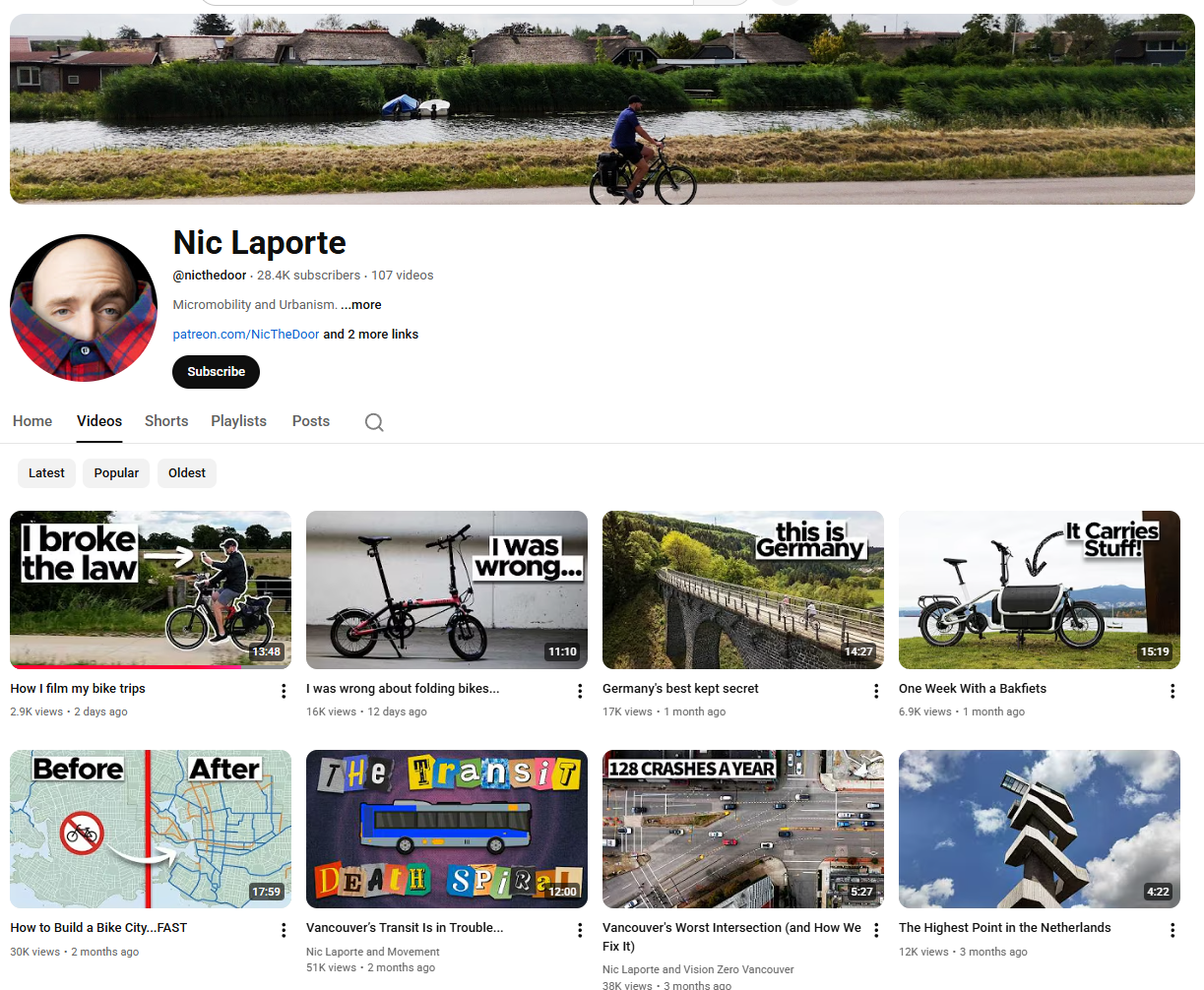
The other day, I stumbled across a “how to” guide on YouTube for shooting video on a bicycle. The video is called “How I film my bike trips”, and it is on the YouTube channel by Nic Laporte:
https://www.youtube.com/@nicthedoor/videos
I noticed, as I often do, that audio wasn’t really talked about. Nic is clearly a professional videographer and an experienced cyclist and uses a wide range of camera gear. And he talked about all kinds of interesting things. Here is the chapter list from the video:
How I film my bike trips
Portability
Stability
60 frames per second
Ease of use
DJI Osmo Pocket 3
Smartphones
Saily International eSIM
Action Cam (GoPro)
Insta360
Mirrorless Camera (Lumix S1II)
DJI Mini 4 Pro
Other gear
Planning and post-production
So, there is a lot of useful information there, and I enjoyed the video very much. However, audio wasn’t really talked about. And I noticed that when he showed how he mounted his GoPro, it wasn’t in a Media Mod, which is really the only way to connect a microphone to a GoPro. And when he showed his Insta360 camera, there was no microphone mount on it either. The only microphone that showed up in the video was the DJI Mic 2, but he didn’t talk about how he used it or what it was connected to.
And that prompted me to feature his video in a Post on my YouTube channel and on Patreon and talk about how I wished professionals would talk about audio more in these video tutorials. I struggle with audio constantly, and I’m always looking for help.
Then, to my surprise, Nic took the time to write a comment after my post. It surprised me that he even saw it, but I guess since I mentioned his channel, he would get a notification. I always forget about that. And then I was even more surprised, and pleased, that he took the time to write a comment.
Of course, Nic would have no idea who I am and would have no idea what the consequences are to leaving a comment on my channel. Anyway, I went full-on Planet Doug and wrote a LONG and detailed reply to his comment. 😂 I can’t help it. It’s what happens on Planet Doug.
And since I wrote such a detailed reply, I thought I would copy and paste it onto Patreon and include it as a follow-up Post on YouTube and elsewhere.
Here is what Nic wrote:

And now, buckle up. Here is my verbose Planet Doug reply. This is what it looks like on YouTube:
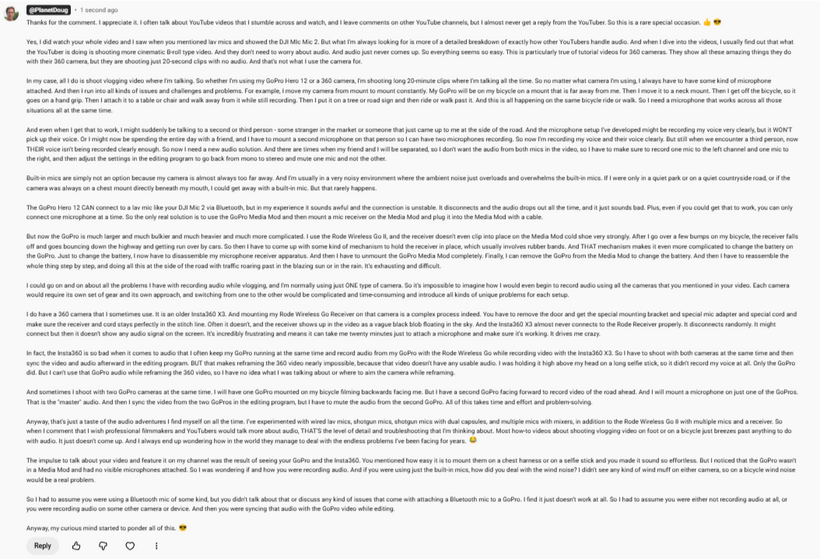
And here is my reply in an easier-to-read format:
Thanks for the comment. I appreciate it. I often talk about YouTube videos that I stumble across and watch, and I leave comments on other YouTube channels, but I almost never get a reply from the YouTuber. So this is a rare special occasion. 👍😎
Yes, I did watch your whole video and I saw when you mentioned lav mics and showed the DJI MIc Mic 2. But what I’m always looking for is more of a detailed breakdown of exactly how other YouTubers handle audio. And when I dive into the videos, I usually find out that what the YouTuber is doing is shooting more cinematic B-roll type video. And they don’t need to worry about audio. And audio just never comes up. So everything seems so easy. This is particularly true of tutorial videos for 360 cameras. They show all these amazing things they do with their 360 camera, but they are shooting just 20-second clips with no audio. And that’s not what I use the camera for.
In my case, all I do is shoot vlogging video where I’m talking. So whether I’m using my GoPro Hero 12 or a 360 camera, I’m shooting long 20-minute clips where I’m talking all the time. So no matter what camera I’m using, I always have to have some kind of microphone attached. And then I run into all kinds of issues and challenges and problems. For example, I move my camera from mount to mount constantly. My GoPro will be on my bicycle on a mount that is far away from me. Then I move it to a neck mount. Then I get off the bicycle, so it goes on a hand grip. Then I attach it to a table or chair and walk away from it while still recording. Then I put it on a tree or road sign and then ride or walk past it. And this is all happening on the same bicycle ride or walk. So I need a microphone that works across all those situations all at the same time.
And even when I get that to work, I might suddenly be talking to a second or third person – some stranger in the market or someone that just came up to me at the side of the road. And the microphone setup I’ve developed might be recording my voice very clearly, but it WON’T pick up their voice. Or I might now be spending the entire day with a friend, and I have to mount a second microphone on that person so I can have two microphones recording. So now I’m recording my voice and their voice clearly. But still when we encounter a third person, now THEIR voice isn’t being recorded clearly enough. So now I need a new audio solution. And there are times when my friend and I will be separated, so I don’t want the audio from both mics in the video, so I have to make sure to record one mic to the left channel and one mic to the right, and then adjust the settings in the editing program to go back from mono to stereo and mute one mic and not the other.
Built-in mics are simply not an option because my camera is almost always too far away. And I’m usually in a very noisy environment where the ambient noise just overloads and overwhelms the built-in mics. If I were only in a quiet park or on a quiet countryside road, or if the camera was always on a chest mount directly beneath my mouth, I could get away with a built-in mic. But that rarely happens.
The GoPro Hero 12 CAN connect to a lav mic like your DJI Mic 2 via Bluetooth, but in my experience it sounds awful and the connection is unstable. It disconnects and the audio drops out all the time, and it just sounds bad. Plus, even if you could get that to work, you can only connect one microphone at a time. So the only real solution is to use the GoPro Media Mod and then mount a mic receiver on the Media Mod and plug it into the Media Mod with a cable.
But now the GoPro is much larger and much bulkier and much heavier and much more complicated. I use the Rode Wireless Go II, and the receiver doesn’t even clip into place on the Media Mod cold shoe very strongly. After I go over a few bumps on my bicycle, the receiver falls off and goes bouncing down the highway and getting run over by cars. So then I have to come up with some kind of mechanism to hold the receiver in place, which usually involves rubber bands. And THAT mechanism makes it even more complicated to change the battery on the GoPro. Just to change the battery, I now have to disassemble my microphone receiver apparatus. And then I have to unmount the GoPro Media Mod completely. Finally, I can remove the GoPro from the Media Mod to change the battery. And then I have to reassemble the whole thing step by step, and doing all this at the side of the road with traffic roaring past in the blazing sun or in the rain. It’s exhausting and difficult.
I could go on and on about all the problems I have with recording audio while vlogging, and I’m normally using just ONE type of camera. So it’s impossible to imagine how I would even begin to record audio using all the cameras that you mentioned in your video. Each camera would require its own set of gear and its own approach, and switching from one to the other would be complicated and time-consuming and introduce all kinds of unique problems for each setup.
I do have a 360 camera that I sometimes use. It is an older Insta360 X3. And mounting my Rode Wireless Go Receiver on that camera is a complex process indeed. You have to remove the door and get the special mounting bracket and special mic adapter and special cord and make sure the receiver and cord stays perfectly in the stitch line. Often it doesn’t, and the receiver shows up in the video as a vague black blob floating in the sky. And the Insta360 X3 almost never connects to the Rode Receiver properly. It disconnects randomly. It might connect but then it doesn’t show any audio signal on the screen. It’s incredibly frustrating and means it can take me twenty minutes just to attach a microphone and make sure it’s working. It drives me crazy.
In fact, the Insta360 is so bad when it comes to audio that I often keep my GoPro running at the same time and record audio from my GoPro with the Rode Wireless Go while recording video with the Insta360 X3. So I have to shoot with both cameras at the same time and then sync the video and audio afterward in the editing program. BUT that makes reframing the 360 video nearly impossible, because that video doesn’t have any usable audio. I was holding it high above my head on a long selfie stick, so it didn’t record my voice at all. Only the GoPro did. But I can’t use that GoPro audio while reframing the 360 video, so I have no idea what I was talking about or where to aim the camera while reframing.
And sometimes I shoot with two GoPro cameras at the same time. I will have one GoPro mounted on my bicycle filming backwards facing me. But I have a second GoPro facing forward to record video of the road ahead. And I will mount a microphone on just one of the GoPros. That is the “master” audio. And then I sync the video from the two GoPros in the editing program, but I have to mute the audio from the second GoPro. All of this takes time and effort and problem-solving.
Anyway, that’s just a taste of the audio adventures I find myself on all the time. I’ve experimented with wired lav mics, shotgun mics, shotgun mics with dual capsules, and multiple mics with mixers, in addition to the Rode Wireless Go II with multiple mics and a receiver. So when I comment that I wish professional filmmakers and YouTubers would talk more about audio, THAT’S the level of detail and troubleshooting that I’m thinking about. Most how-to videos about shooting vlogging video on foot or on a bicycle just breezes past anything to do with audio. It just doesn’t come up. And I always end up wondering how in the world they manage to deal with the endless problems I’ve been facing for years. 😂
The impulse to talk about your video and feature it on my channel was the result of seeing your GoPro and the Insta360. You mentioned how easy it is to mount them on a chest harness or on a selfie stick and you made it sound so effortless. But I noticed that the GoPro wasn’t in a Media Mod and had no visible microphones attached. So I was wondering if and how you were recording audio. And if you were using just the built-in mics, how did you deal with the wind noise? I didn’t see any kind of wind muff on either camera, so on a bicycle wind noise would be a real problem.
So I had to assume you were using a Bluetooth mic of some kind, but you didn’t talk about that or discuss any kind of issues that come with attaching a Bluetooth mic to a GoPro. I find it just doesn’t work at all. So I had to assume you were either not recording audio at all, or you were recording audio on some other camera or device. And then you were syncing that audio with the GoPro video while editing.
Anyway, my curious mind started to ponder all of this. 😎